An AI calorie counter that does the logging for you
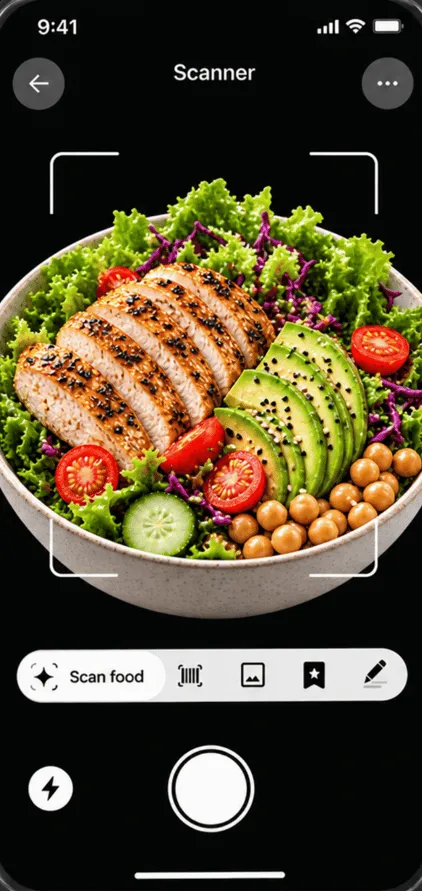
Logging food is where most people give up. Searching a database for “chicken salad”, guessing which of forty results is closest, then estimating grams for every ingredient takes minutes per meal. The Humalyst AI meal scanner swaps that for a single photo.
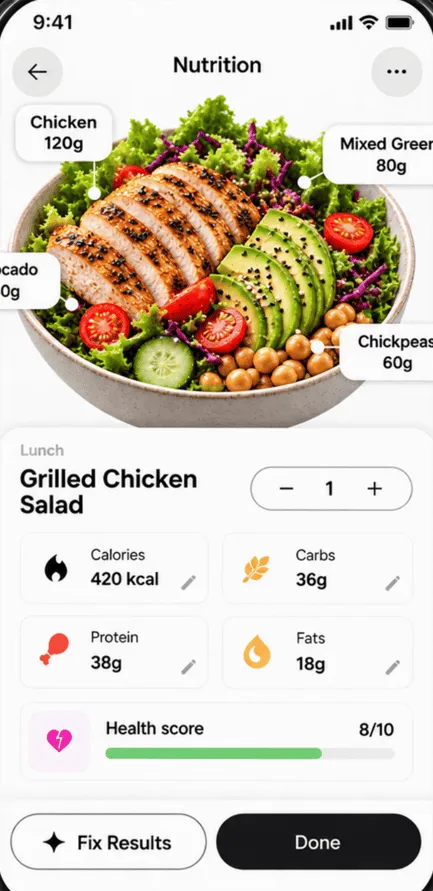
For every meal you scan, you get:
- Each food identified on the plate, not just one guess for the whole dish.
- An estimated portion in grams for each item, which you can adjust.
- Calories, protein, carbs and fat from USDA FoodData Central.
- Everything added to your daily totals, next to your calorie and macro goals.
Photo scanning vs. manual logging
| AI meal scanner | Manual logging | |
|---|---|---|
| Time per meal | A few seconds | Often several minutes |
| Mixed plates | Splits foods automatically | Enter each ingredient yourself |
| Portions | Estimated from the photo, editable | You weigh or guess |
| Best for | Eating out, busy days, staying consistent | Packaged food with a label, exact recipes |
The two work well together. Scan most meals to stay consistent, and log manually when you have a nutrition label or a weighed recipe.
Get the most accurate scan
- Use good light. Daylight or a bright kitchen beats a dim restaurant.
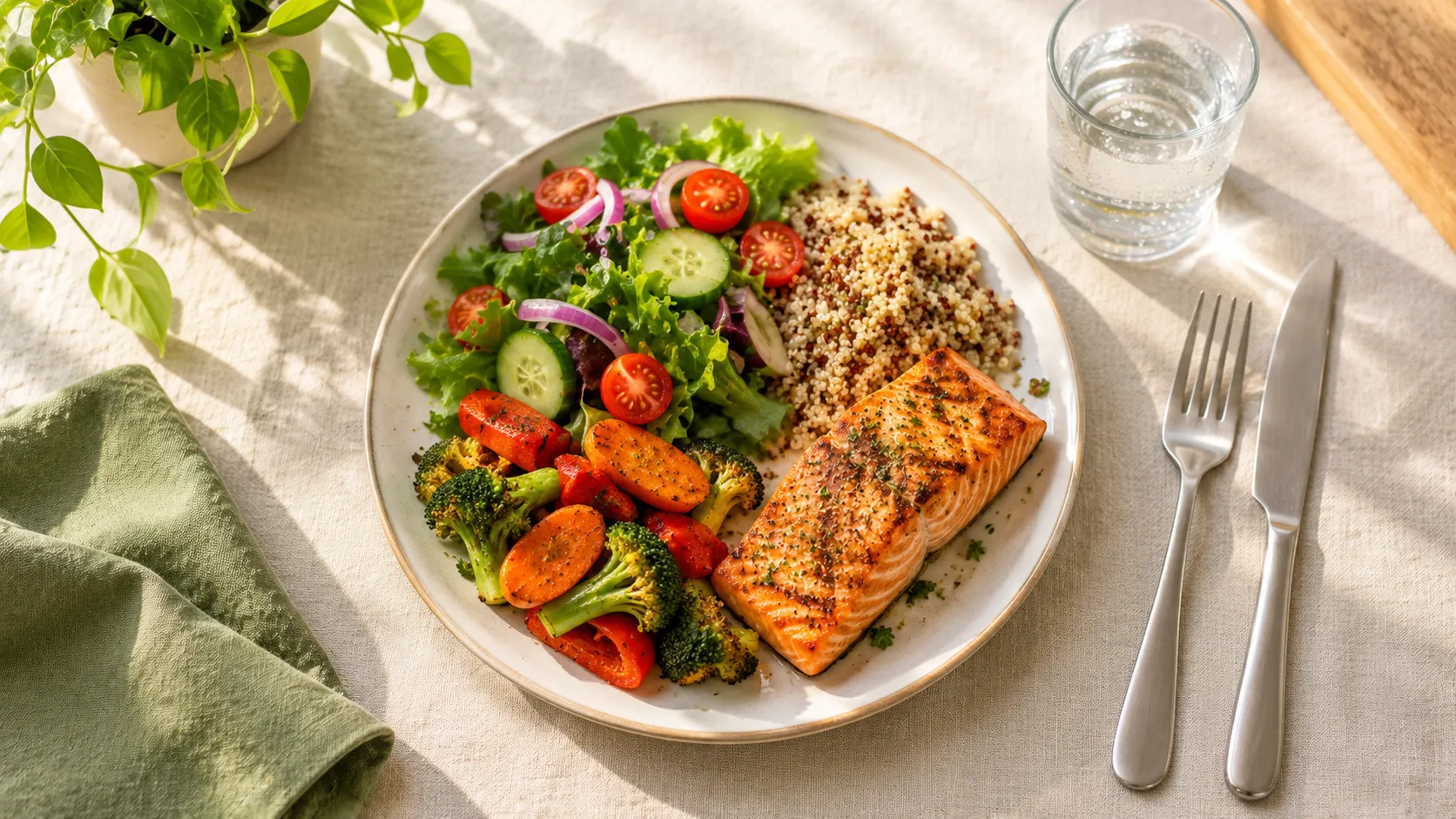
- Shoot from above. A top-down angle shows the size of each portion best.
- Get the whole plate in frame, with foods visible rather than hidden under each other.
- Check the portions before saving. If you know you had 200 g of rice, adjust it.
- Remember the hidden extras. Cooking oil, butter and dressings are hard to see in a photo. A tablespoon of oil is about 120 calories.
No calorie counter is perfect, photo-based or not. Even nutrition labels can legally differ from the real value. What matters is being roughly right, consistently. Our guide tocounting calories accurately covers the biggest sources of error.
Part of Humalyst Pro
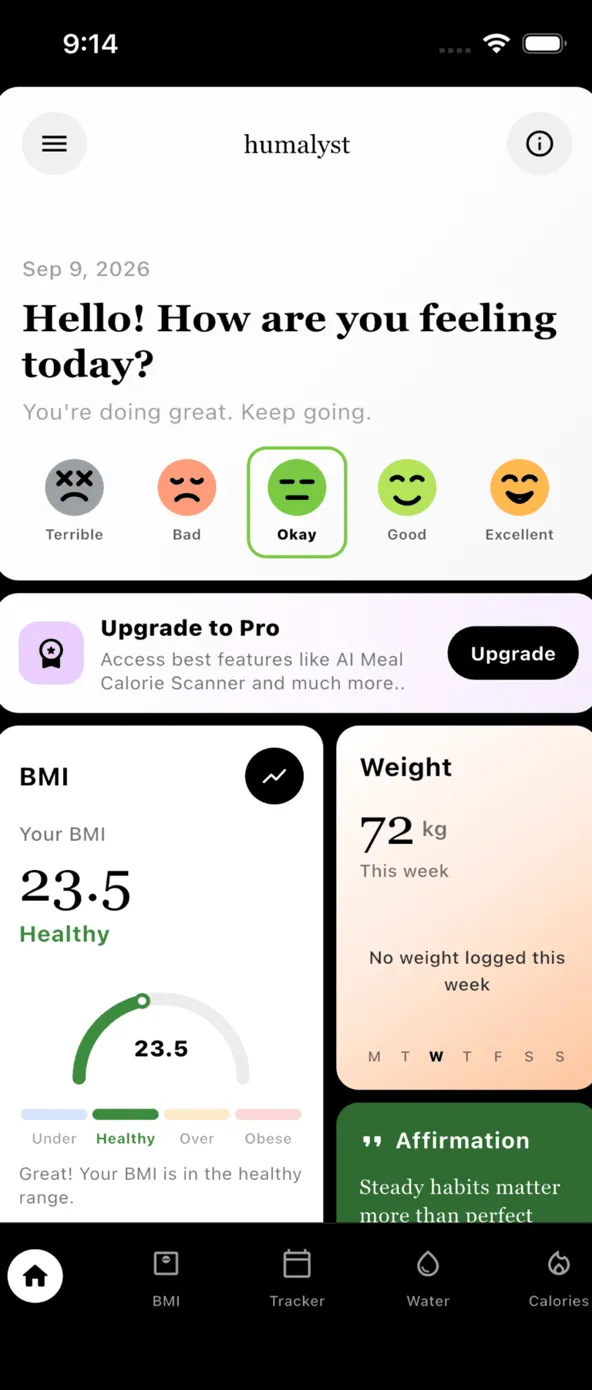
The AI meal scanner comes with Humalyst Pro, alongside an ad-free app. Pro includes up to10 scans a day, enough for breakfast, lunch, dinner and snacks, and stays linked to your account on any device. Not sure what your calorie target should be? Start with the free calorie calculator.
Frequently asked questions
How does the AI meal scanner count calories from a photo?
You take one photo of your meal. Humalyst’s AI identifies each food on the plate and estimates its portion in grams, then looks up calories, protein, carbs and fat in USDA FoodData Central. You can adjust the result before it is saved to your day.
How accurate is counting calories from a photo?
It is an estimate. Simple, clearly separated foods are recognised well, while mixed dishes, sauces and cooking oil are harder to judge from a picture. Good light, a top-down angle and checking the portions before you save make the biggest difference.
Is the AI meal scanner free?
The AI meal scanner is part of Humalyst Pro, which also removes ads. Pro includes up to 10 scans a day. The BMI calculator, water tracker, calorie log and mood tracker are free.
Where does the nutrition data come from?
Calories and macros come from USDA FoodData Central, the US Department of Agriculture’s public food composition database used by researchers and dietitians.
Do I need an account to use it?
Signing in is only needed for Humalyst Pro, so your subscription stays linked to you on any device. Your BMI, water, calorie and mood logs stay on your phone.
Sources
This page is general information, not medical advice. Results are estimates. If you have a health condition, are pregnant, or are making a big change to how you eat or drink, talk to a doctor or registered dietitian first.